
Rotate PDF
Rotate pages in your PDF document to any orientation.
About Rotate PDF
Fix incorrectly oriented PDF pages instantly. Whether you scanned a document upside-down or need to change a landscape page to portrait, our PDF rotation tool provides a quick, local solution for orienting your files correctly.
How to Use
- Upload the PDF file that contains rotated pages.
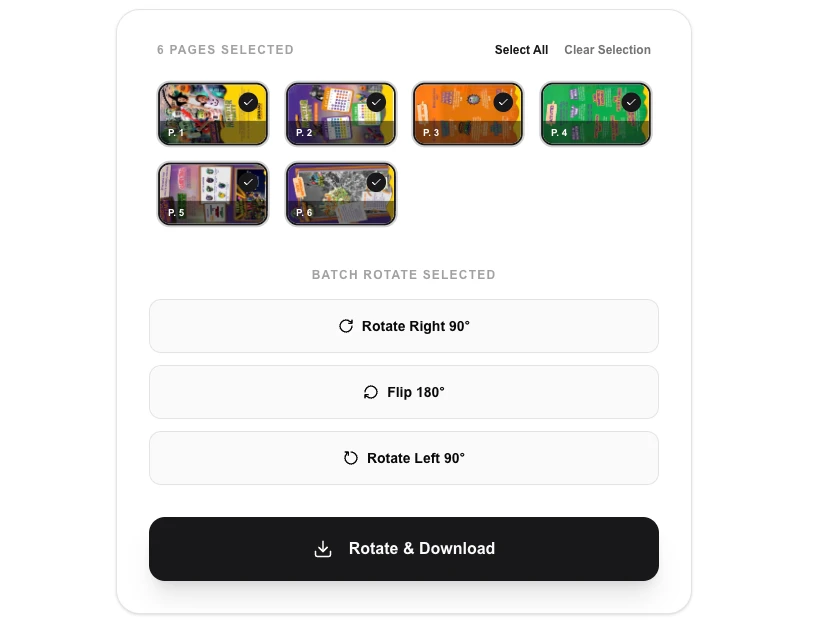
- Select the rotation direction (90° CW, 90° CCW, or 180°).
- Click 'Apply Rotation' to update the PDF structure in your browser.
- Download your correctly oriented PDF file.
Common Use Cases
- Correcting the orientation of scanned documents or multi-page reports.
- Rotating presentation slides for better viewing on vertically-oriented screens.
- Fixing specific pages that were imported at the wrong angle.
Technical Details
Uses pdf-lib to update the '/Rotate' attribute of each page object within the PDF's internal catalog. This is an efficient metadata change that avoids full re-compression.
Frequently Asked Questions
- Can I rotate specific pages?
- Yes, our tool allows you to select specific pages to rotate. You can also rotate all pages at once by using the 'Select All' feature.
- Does it support 180-degree rotation?
- Yes, you can rotate pages by 90, 180, or 270 degrees clockwise.
- Can I rotate only certain pages and leave the rest unchanged?
- Yes. Select individual page numbers or ranges (e.g. 1, 3, 5-8) and choose your rotation angle. Unselected pages stay in their original orientation.
- Will rotating the PDF reduce its quality?
- No. The tool modifies the page orientation flag in the PDF structure using pdf-lib — it does not re-encode or re-render the content, so image and text quality are preserved.
- Is my PDF file sent to any server?
- Never. All rotation is performed entirely inside your browser using WebAssembly and JavaScript. Your file never leaves your device.
- Does the PDF rotate tool work with password-protected PDFs?
- The PDF Rotate tool uses PDF-lib in your browser and cannot open PDFs that are protected with an owner or user password. If you try to load a password-protected PDF, the tool will show an error. To rotate a locked PDF, you need to remove the password first using a dedicated PDF unlock tool (or the original software that applied the password), then rotate the unlocked file. Most PDFs distributed without explicit security settings are not password-protected and will open without issues.
Local processing
Our local file, text and chart tools process content on your device using JavaScript, browser APIs and, where needed, WebAssembly. Our usage events do not include filenames, file contents, input text, chart values, raw errors, emails or license references. Network lookup tools (such as DNS, WHOIS, IP and speed tests) contact external services for their stated purpose. Loading the website, fonts, libraries and models also makes network requests. WebAssembly itself does not prevent network access.