
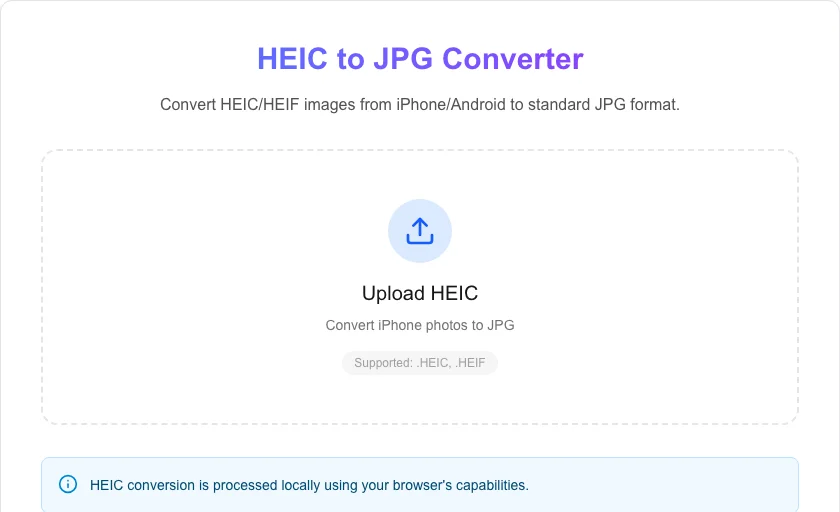
HEIC to JPG Converter
Convert HEIC/HEIF images from iPhone/Android to standard JPG format.
About HEIC to JPG Converter
The most private way to convert your iPhone (HEIC) photos to standard JPG format. Our converter runs entirely in your browser, meaning your high-resolution memories are never uploaded to a third-party server.
How to Use
- Select the HEIC file from your Apple or Android device.
- Click 'Convert to JPG' to start the local processing.
- Wait a few seconds for our engine to decode the High Efficiency format.
- Download your new JPG file, compatible with all devices and websites.
Common Use Cases
- Uploading iPhone photos to websites that don't support the HEIC format.
- Sharing photos with family or friends who use older devices or Windows PCs.
- Converting images for use in editing software that only accepts JPG/PNG.
Technical Details
Utilizes browser-side decoding libraries to transform HEIF containers into bitmapped data, which is then re-encoded into the universal JPEG format. No cloud APIs involved.
Frequently Asked Questions
- What is HEIC?
- HEIC (High Efficiency Image Container) is a format used by Apple that offers better compression than JPG while keeping higher quality.
- Is the conversion safe?
- Yes! Because the conversion happens in your browser, our tool processes your files locally.
- Are my HEIC photos uploaded to convert them?
- No. HEIC to JPG conversion happens entirely in your browser using a WebAssembly-based decoder. Your photos never leave your device — no upload, no server, full privacy.
- Why can't I open HEIC files on Windows or older software?
- HEIC (High Efficiency Image Container) is Apple's proprietary format. Windows and many older apps don't natively support it. Converting to JPG gives you a universally compatible file that opens in any image viewer or app.
- Do HEIC photos have better quality than JPG?
- HEIC files are typically half the size of JPG at equivalent visual quality due to the HEVC codec. However, JPG remains the universal standard. Converting with a high quality setting (90%+) produces a JPG with virtually no visible degradation.
- How many HEIC files can I convert at once?
- The HEIC to JPG converter supports batch conversion. You can drop multiple HEIC files at once or select them from the file picker. All files are processed in your browser using a JavaScript HEIC decoder — no photos are uploaded to any server. On most modern laptops and desktops, batches of 20–50 photos convert in under a minute. On older or lower-powered devices, very large batches may be slower. The converted JPGs are downloaded automatically as individual files or as a ZIP archive.
Local processing
Our local file, text and chart tools process content on your device using JavaScript, browser APIs and, where needed, WebAssembly. Our usage events do not include filenames, file contents, input text, chart values, raw errors, emails or license references. Network lookup tools (such as DNS, WHOIS, IP and speed tests) contact external services for their stated purpose. Loading the website, fonts, libraries and models also makes network requests. WebAssembly itself does not prevent network access.