
Image Converter
Convert images between PNG, JPG, and WEBP formats.
About Image Converter
Change image formats in seconds with our universal converter. Easily switch between PNG, JPG, and WEBP to meet the specific requirements of your website, app, or printing needs without re-uploading files.
How to Use
- Upload the source image you wish to convert.
- Select your target format (PNG, JPG, or WEBP) from the dropdown menu.
- Click 'Convert' to process the transformation instantly in your browser.
- Download the new file in your chosen format.
Common Use Cases
- Converting high-resolution PNGs with transparent backgrounds to smaller JPGs for faster loading.
- Translating standard images into modern WEBP format for superior web optimization.
- Ensuring image compatibility across different legacy systems and software.
Technical Details
Leverages the browser's ability to render various image formats to a canvas and then export that canvas data into the target MIME type.
Frequently Asked Questions
- Does it handle transparency?
- PNG and WEBP support transparency. If you convert a transparent image to JPG, the background will become solid white.
- Is the original file deleted?
- The conversion creates a new file. Your original file remains untouched on your device throughout the process.
- Does this converter upload my image to any server?
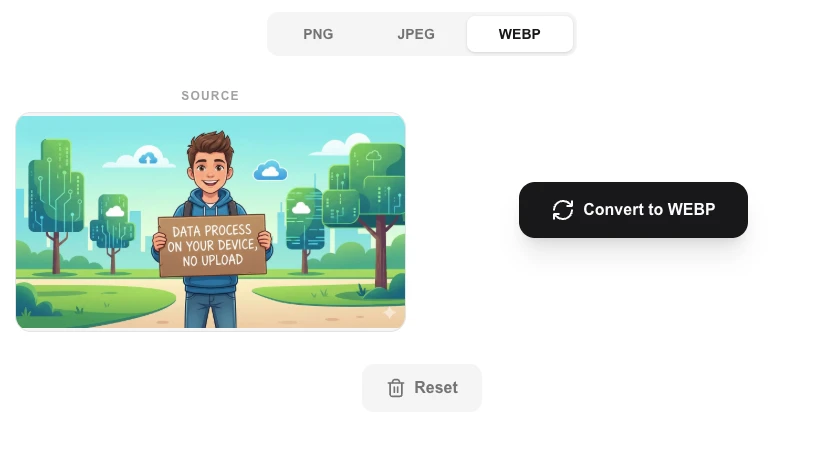
- No. The conversion happens entirely in your browser using the Canvas API. Your file is never sent over the internet — it's processed locally on your device.
- Will converting PNG to JPG lose the transparent background?
- Yes. JPG does not support transparency. When converting a PNG with a transparent background to JPG, the transparent areas will be filled with a white background.
- Which format should I choose for the best quality vs. file size?
- WebP offers the best compression with high quality for web use. Use PNG for images requiring transparency or lossless quality. JPG is ideal for photographs where some quality loss is acceptable.
- What is the difference between lossy and lossless image conversion?
- Lossy formats like JPEG and WebP (at quality below 100%) discard some image data to achieve smaller files — the loss is usually invisible to the eye but cannot be reversed. Lossless formats like PNG, GIF, and WebP at quality 100 compress the file without discarding any data, so the image can be perfectly reconstructed. When converting from a lossless source (PNG) to a lossy format (JPEG), you permanently lose some quality. Converting between two lossless formats (PNG to WebP lossless) preserves full quality.
Local processing
Our local file, text and chart tools process content on your device using JavaScript, browser APIs and, where needed, WebAssembly. Our usage events do not include filenames, file contents, input text, chart values, raw errors, emails or license references. Network lookup tools (such as DNS, WHOIS, IP and speed tests) contact external services for their stated purpose. Loading the website, fonts, libraries and models also makes network requests. WebAssembly itself does not prevent network access.
Learn more
Read the full guide →