
ICO Converter
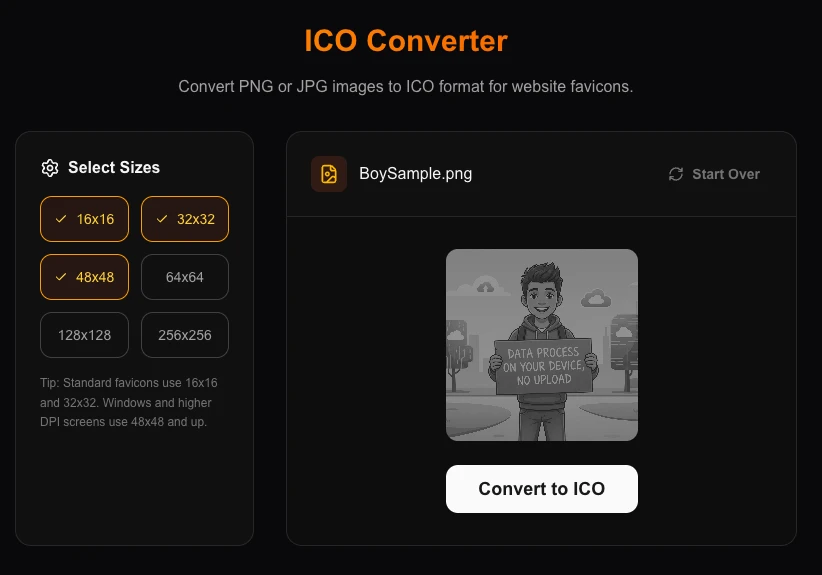
Convert PNG or JPG images to ICO format for website favicons.
About ICO Converter
Create professional favicons for your website in seconds. Our ICO converter takes any standard image and packages it into a multi-sized Windows Icon file, perfect for modern browsers and bookmark toolbars.
How to Use
- Upload a square PNG or JPG image (at least 256x256 recommended).
- Select the common favicon sizes you need (16x16, 32x32, 48x48).
- Click 'Convert to ICO' to generate the icon resource.
- Download the final .ico file and place it in your website's root directory.
Common Use Cases
- Creating a custom favicon.ico for a new website or blog.
- Converting brand logos into desktop shortcut icons for Windows folder customization.
- Building multi-resolution icon resources for desktop application development.
Technical Details
Encodes bitmap data into the Microsoft ICO structure, allowing a single file to contain multiple resolution layers. Runs locally without server dependencies.
Frequently Asked Questions
- What is a Favicon?
- A favicon is the small icon that appears next to your website title in browser tabs and bookmarks.
- Can I use transparent PNGs?
- Yes, transparency is fully supported and preserved in the generated .ico file.
- Is my image uploaded to a server to create the ICO file?
- No. ICO file generation happens entirely in your browser. Your image is processed locally using the Canvas API — our tool does not upload the image for processing.
- Which ICO sizes should I include for a website favicon?
- Include at least 16x16 and 32x32 for standard favicon support. Adding 48x48 and 64x64 covers Windows desktop shortcuts. For comprehensive coverage, include 16, 32, 48, 96, and 128 pixels in a single multi-size ICO file.
- Can I include multiple sizes in a single ICO file?
- Yes. The ICO format natively supports multiple image sizes within one file. Select all the sizes you want, and the converter will pack them into a single .ico file — browsers and operating systems pick the most appropriate size automatically.
- Do I need to include all ICO sizes or is one size enough?
- Modern browsers only need a 32×32 or 48×48 PNG favicon, but ICO files are still used for cross-browser compatibility and Windows taskbar icons. A well-supported ICO file contains 16×16, 32×32, and 48×48 pixel versions. Some tools also include 64×64 and 256×256 for high-DPI displays and Windows file explorers. The converter lets you select which sizes to bundle into the ICO file. For a website favicon, a 16×16 and 32×32 ICO plus a separate 180×180 PNG for Apple Touch Icon covers all major platforms.
Local processing
Our local file, text and chart tools process content on your device using JavaScript, browser APIs and, where needed, WebAssembly. Our usage events do not include filenames, file contents, input text, chart values, raw errors, emails or license references. Network lookup tools (such as DNS, WHOIS, IP and speed tests) contact external services for their stated purpose. Loading the website, fonts, libraries and models also makes network requests. WebAssembly itself does not prevent network access.